
Home › Business Tools › Billable Hours Calculator
Boost your freelance earnings in 5 easy steps with this calculator.
100% FreeNo Sign-UpRuns in Your Browser
Billable Hours Calculator
Boost your freelance earnings in 5 easy steps with this calculator.
How to Use the Billable Hours Calculator
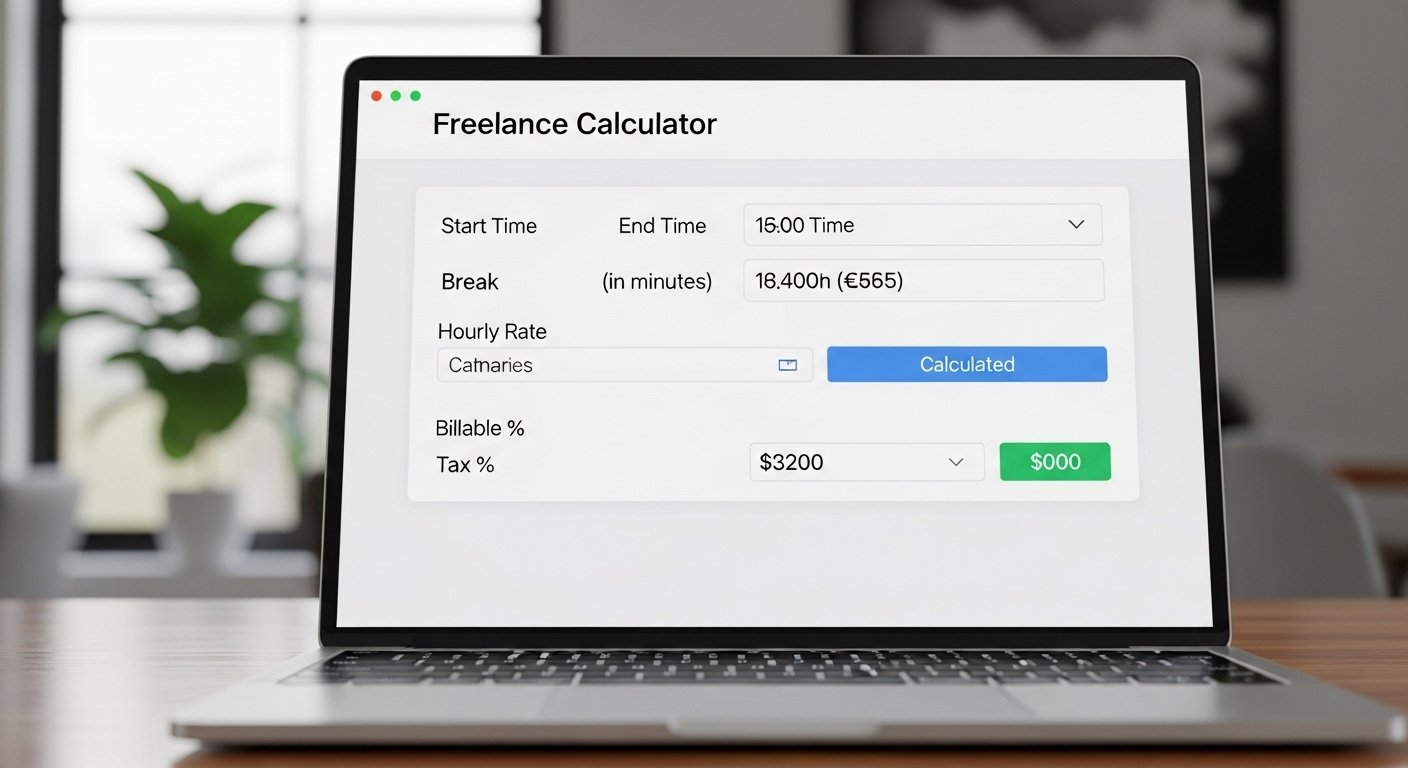
Getting started with this calculator is simple. In the first step, insert your start and end times. You should also include the break time for accurate results. In the second step, insert the hourly rate. This rate is the amount you charge or get for the work or work hours. In the third step, insert your billable percentage. Many freelancers don’t work 100% of the time because they manage their administrative tasks. They spend time on employee meetings. In the fourth step, insert any tax percentage that is applied to your earnings. Calculate and ensure you get the exact amount. In the last step, hit the Calculate button to get the exact estimates of total hours and final earnings after the tax. This tool ensures that you receive comprehensive information about daily earnings and billed hours.

Top Features of the Calculator
- ✅ Easy-to-use and free
- ✅ Mobile friendly and short load time
- ✅ Tax and billing percentage settings
- ✅ Free to use — no download required
- ✅ Suitable for agencies, freelancers, and remote workers
- ✅ Integrates with Timesheet Calculator and Work Hours Calculator
Why Freelancers Should Use This Calculator
Freelancers need clarity on their billable hours. Without it, they may undervalue their work and lose money. This calculator helps individuals manage hours efficiently and log hours properly. It increases productivity and shows accurate value. Key benefits of using this tool include the following:
- ✅ Know exactly how much you earn daily and weekly
- ✅ Bill clients with confidence
- ✅ Track the hours and rate separately
- ✅ Track your payable and non-payable hours
- ✅ Helps during tax season and payment planning
- ✅ Prevents time mismanagement
- ✅ Makes invoicing easier and correct
Internal Resources
Check related tools: Timesheet Calculator, Work Hours Calculator, and decimal hours
External Resources
Learn more about freelance taxation and time management: IRS Tax Guide, Freelancers Union
Step-by-Step Usage
- Enter your start and end times
- Add your break time in minutes
- Enter your hourly rate
- Enter your billable percentage
- Press Calculate to see earnings
Frequently Asked Questions
How do I calculate billable hours?
Billable hours = (Total work hours − Break time) × Billable %.
Is this billable hours calculator free?
Yes, it’s completely free with no hidden charges.
Can I use this calculator on mobile?
Yes, it works perfectly on all devices.
How to Use the Billable Hours Calculator
Enter your workday
Enter your start time and end time, then add your break in minutes so only paid hours are counted.
Set your rate
Add your hourly rate, the percentage of your time that is billable, and any tax percentage that applies to your earnings.
Click Calculate
Click Calculate to see your total hours, billable hours, earnings before tax, tax amount, and final income. Add up a full week first with the Timesheet Calculator or check a single day with the Hours Worked Calculator.
Turn Tracked Time into Clear Earnings
Track your time before you bill it; record breaks, set your hourly rate, and add your billable percentage. The calculator then shows earnings before tax, tax, and the final amount you can invoice. For a full week of shifts, the Timesheet Calculator adds your days first — context is the same as with Pomodoro Timer users tracking both focused sessions and billable hours to keep their time on task.
Tips for Healthier Billable Hours
Work without distractions and keep the desired hours tracked; when your clients ask, they notice how you present the hours with proof. They pay more when the time is clearly documented. Relate hours to value, not just effort, and check a day's total with the Work Hours Calculator if a number seems off.
Frequently Asked Questions
What are billable hours?
Billable hours refer to the number of hours recorded for work completed on behalf of a client, typically used by freelancers and agencies for professional service-based work.
How do I calculate billable hours from minutes?
Minutes / 60 means billable hours. For example, 30 minutes = 0.5 billable hours.
Is this billable hours calculator free?
Yes, use our billable hours calculator online for free.
6-Minute Billing Increment Chart
Freelancers often round billable time by increments — the 6-minute increment chart is the most common. This table converts those increments into decimal hours, so you can invoice confidently against your timesheet.
| Minutes Worked | Billable Hours |
|---|---|
| 6 minutes | 0.10 hours |
| 12 minutes | 0.20 hours |
| 18 minutes | 0.30 hours |
| 24 minutes | 0.40 hours |
| 30 minutes | 0.50 hours |
| 36 minutes | 0.60 hours |
| 42 minutes | 0.70 hours |
| 48 minutes | 0.80 hours |
| 54 minutes | 0.90 hours |
| 60 minutes | 1.00 hours |
When invoicing by the minute, record your total hours accurately first — the Timesheet Calculator can total a whole week of shifts before you apply these increments.
More Business Tools
Timesheet Calculator
Add up a full week of shifts, day by day, with weekly totals and overtime.
Hours Worked Calculator
Work out a single day's hours, breaks and overtime in seconds.
Hours to Decimal Calculator
Convert your hours and minutes into decimal hours for invoices and payroll.