
Home › Timer Tools › Countdown Timer
LED countdown timer with alarm, fullscreen, and preset durations for study, workouts, cooking, and productivity.
100% FreeNo Sign-UpRuns in Your Browser
Free Online Countdown Timer
LED countdown timer with alarm, fullscreen, and preset durations for study, workouts, cooking, and productivity.
How to Use the Countdown Timer
Top 5 Reasons to Use This Free Countdown Timer
1. Easy to Use
Simply enter hours, minutes, and seconds, then click “Start”. Timer starts instantly with alarm notifications when time is up.
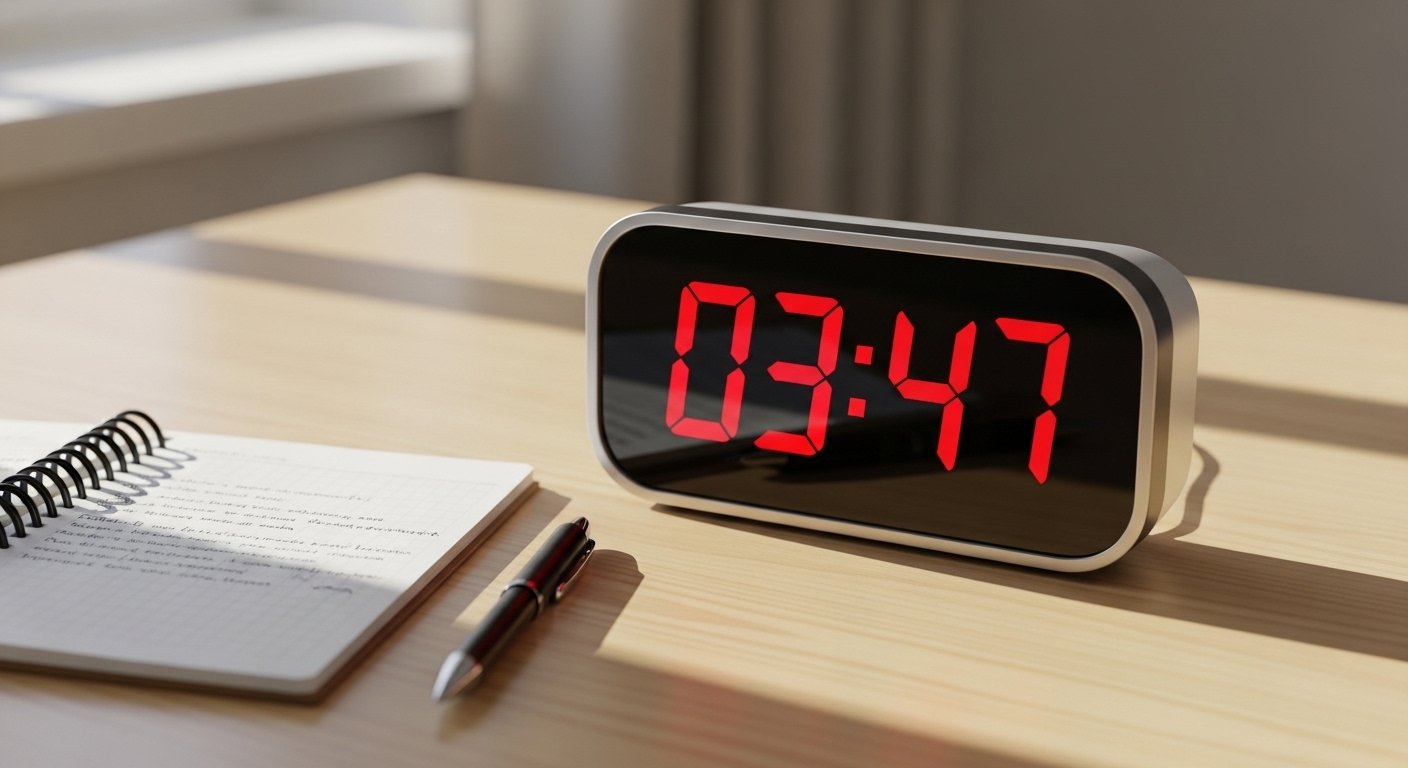
2. Ideal for Study & Pomodoro Sessions
Perfect for students and professionals practicing Pomodoro technique. Manage focused work intervals and breaks effectively.
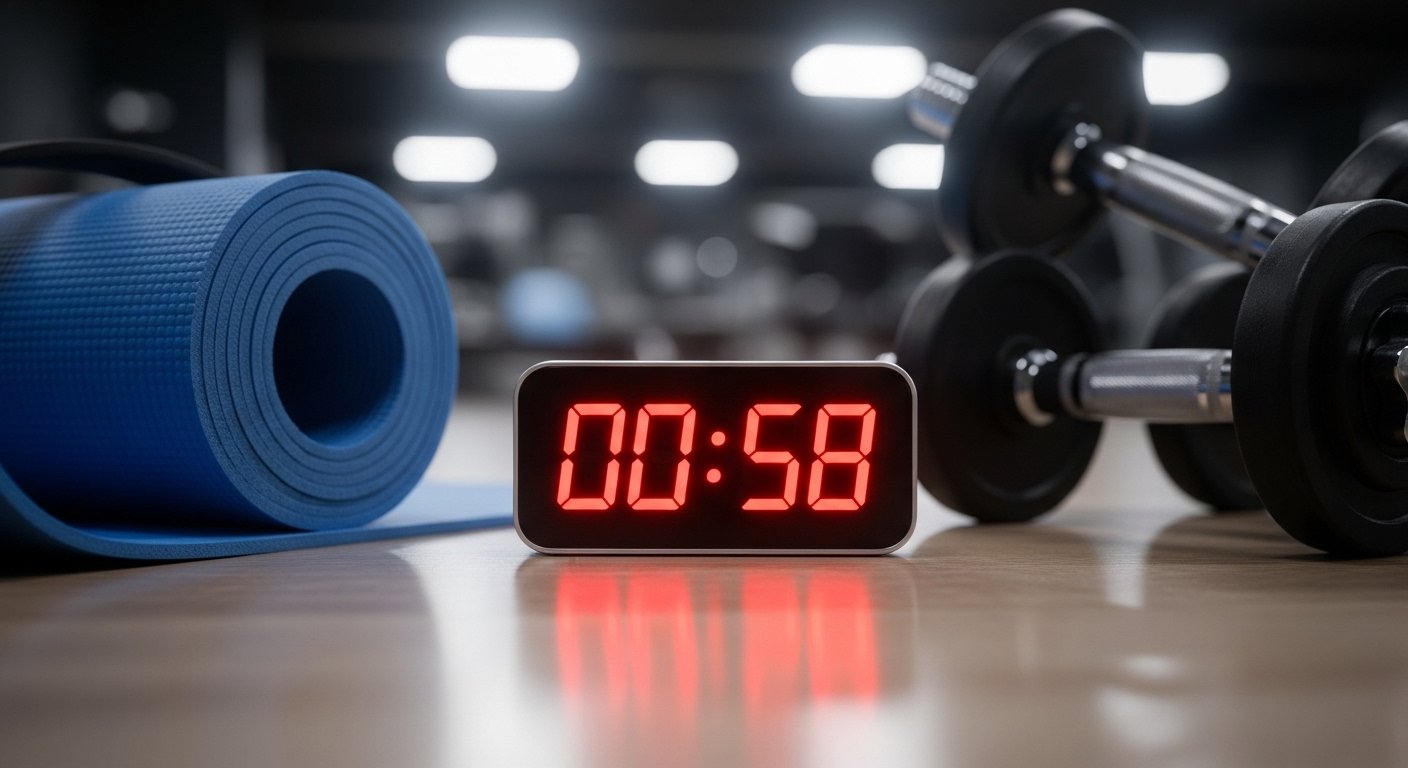
3. Workouts & Fitness Timing
Track workout intervals, warm-ups, or cooldowns with LED display and alarm. Ensure consistency in your fitness routines.
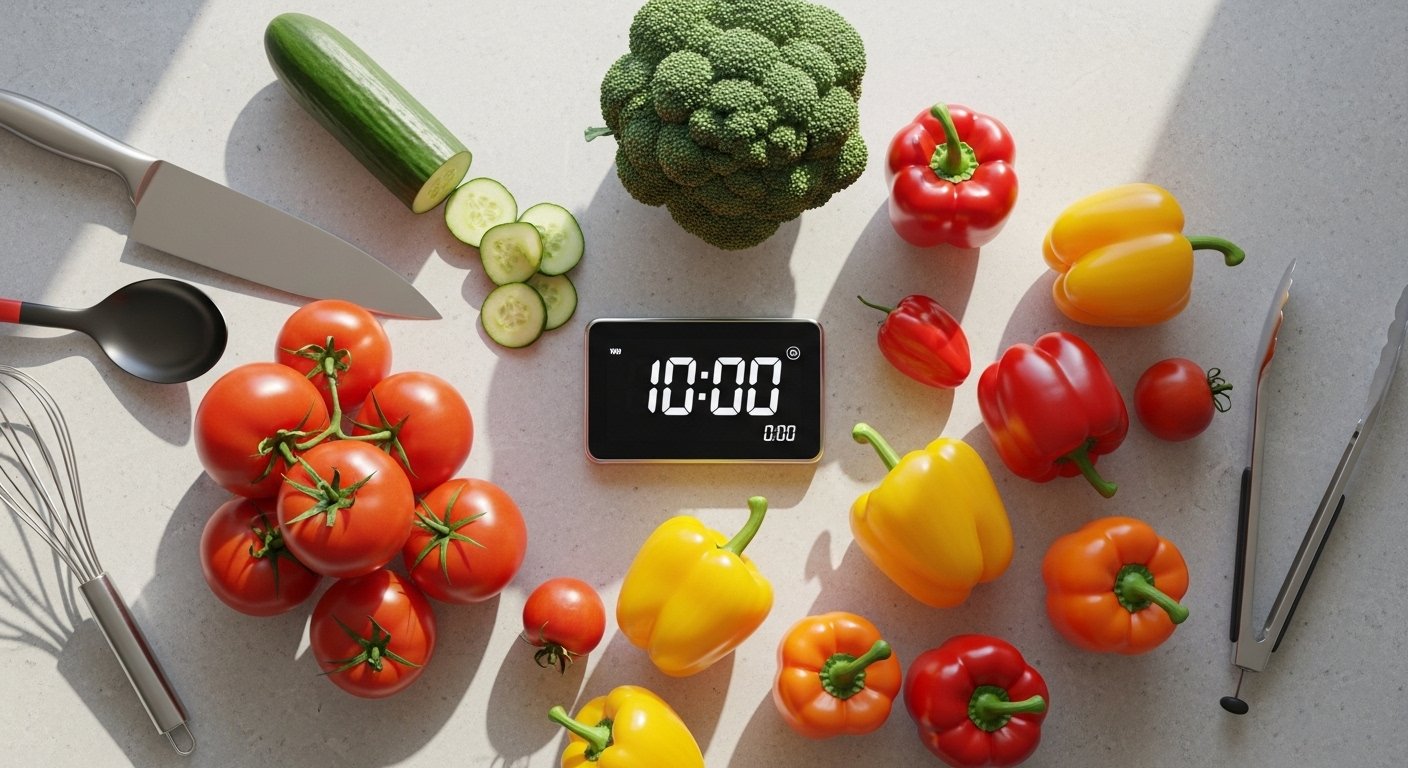
4. Cooking & Kitchen Use
Set accurate times for cooking recipes. Alarm ensures perfect results every time. LED display visible from a distance.
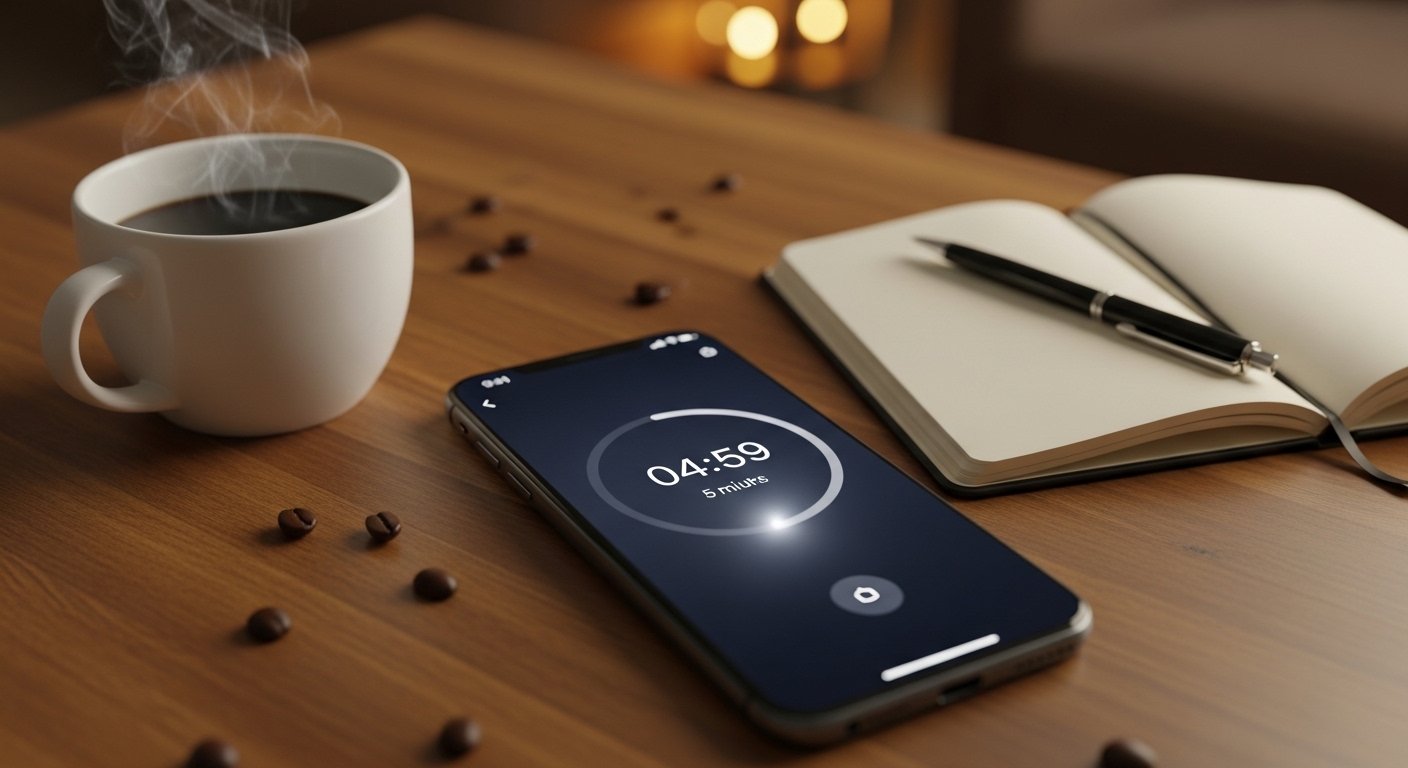
5. Mobile & Meetings
Perfect for task management, meetings, or mobile usage. Fullscreen mode helps maintain focus without distractions.
More Free Tools & Resources
Explore other free tools: Pomodoro Timer, Online Stopwatch. Learn productivity tips from Zapier guide.
Frequently Asked Questions
A Countdown Timer Online for Every Kind of Task
A countdown timer online is the simplest way to give any activity a clear finish line. Set the hours, minutes, and seconds — or pick a ready-made preset — press Start, and this countdown timer online counts down on a bright LED display with an alarm when time is up. Fullscreen mode makes the remaining time visible across a classroom, gym, or meeting room, and because everything runs in your browser, this countdown timer online works on phones, tablets, laptops, and desktops with nothing to install.
Popular Ways to Use a Countdown Timer
Teachers run timed exercises and exam practice with a countdown everyone can see. Fitness trainers time intervals, circuits, and rest periods — the Online Stopwatch is a good partner for lap-based training. In the kitchen, a countdown prevents overcooked pasta and forgotten cakes. Students use short countdowns to create urgency during revision, presenters use them to keep talks and Q&A sessions on schedule, and parents use them for screen-time and homework limits. For focused work sessions with built-in breaks, you may prefer the Pomodoro Timer instead.
Frequently Asked Questions
How do I set this countdown timer online?
Enter the time you need (or tap a preset), press Start, and the countdown begins immediately. When it reaches zero, the alarm sounds — make sure your device volume is up and the page stays open.
Can I use it for workouts and interval training?
Yes. Set a round length, switch to fullscreen so the display is visible from across the room, and restart for each interval — or use the stopwatch’s lap feature for split-based training.
Is this countdown timer really free?
Yes, it is completely free with no sign-up and no download — like every tool on GettyMez, including the Online Alarm Clock.
Countdown Timer Tips for Better Focus
Set the countdown timer before you start and let the alarm mark the finish, instead of checking the clock again and again. Short countdowns work well for sprints and kitchen tasks, while longer ones suit study blocks and workouts. If you repeat the same sessions every day, save time with the presets above — one click starts your countdown timer with the exact minutes you need, so your routine stays consistent and you can give the task your full attention.
More Timer Tools
Open Online Stop Watch
Open 25-Minute Pomodoro Timer
Open Alarm Clock with Multiple Alarms